TICKET 04 · Truck check
Check first, decide after.
A matching delivery note does not mean quality has been checked. Keep a trail for every step so purchasing, the warehouse and QC read the same lot.
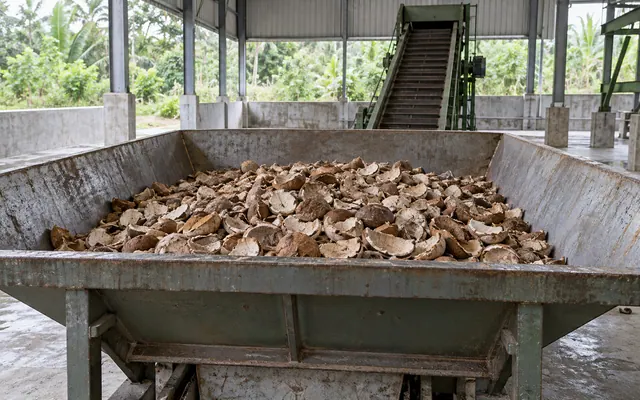
One list per lot. Tick a step once it is written down, then print a copy for the lot number and results. All boxes ticked does not mean the cargo has passed.
Accepted, on hold or rejected: write down the decision, the reason and who made it. This list records. The decision stays with QC and the purchase terms.
A suggested workflow for the receiving mill, subject to your QC procedure. Ticks live in the open page only and are not sent to a server.
Before the truck arrives
Have the written purchase terms ready and name the person who checks. Pick a holding spot for material whose results are not complete. Agree who may authorise unloading and who decides quality.
When the results do not match
Write down the gap and keep the first result as it was. Check sample identity, method and weigh report. Use the comparison sample and the dispute path you agreed. Do not mix lots while the status is unclear.
Close the record
Attach the delivery note, the weigh record and any test reports. Name the decision-maker and write the reason, the date and who is responsible. This list is a record of checks, not a replacement for QC approval.